

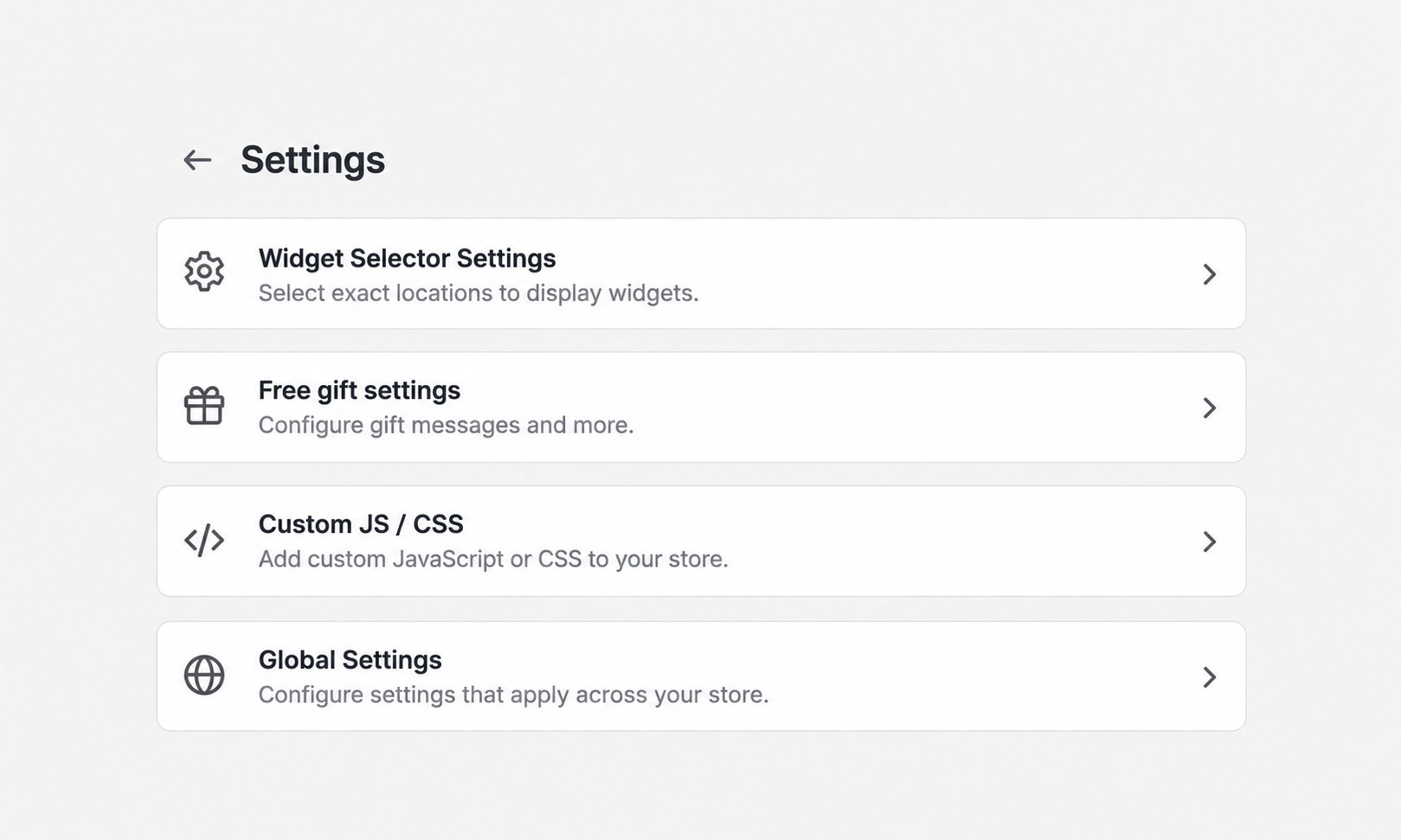
AIOD widgets can appear on product pages, the full cart page, or a theme’s side cart drawer. Available locations depend on the widget and template. AIOD settings hub showing Widget Selector Settings

Choose locations in the discount

Open the discount’s widget settings and find Where should the widget appear?. Depending on the template, the available choices include:
  • Side Cart Drawer/ Cart Page
  • All product pages
  • Specific product pages
Selecting Specific product pages reveals Select products.

Configure theme selectors

If a widget is missing or appears in the wrong place:
  1. Open AIOD Discount & Gift > Settings.
  2. Select Widget Selector Settings.
  3. Enter the correct CSS selector for the relevant surface.
  4. Choose Above, Below, Inside top, or Inside bottom where a position menu is available.
  5. Click Save Settings.
AIOD provides general selectors for Product Page, Cart Page, Side Cart Header, Side Cart Footer, and a Shadow DOM Selector (Side Cart Drawer). It also provides widget-specific selector groups. Theme markup varies. Ask the theme developer or AIOD support for the correct selector instead of copying a selector from another store. Read Settings: Widget Selector Settings and Discount Widgets for the complete controls.