

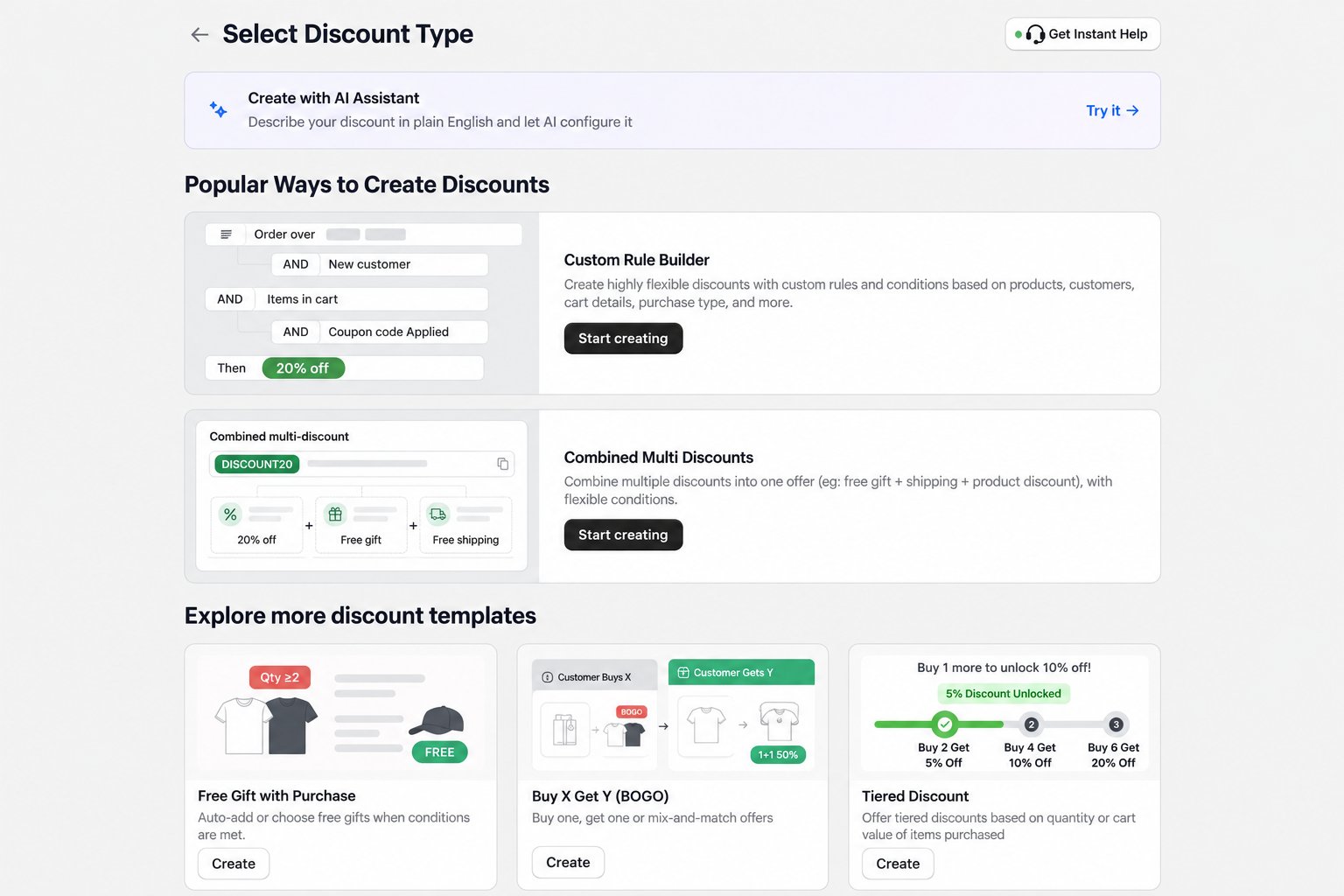
1. Confirm the rule is active
Check its start and end dates, status, usage limits, customer eligibility, and sales channel. Use the store’s timezone when reviewing scheduled dates.2. Recheck every condition
The test cart must satisfy every required condition in the rule. Common examples include:- minimum purchase amount or quantity;
- required products, variants, or collections;
- customer segments or tags;
- purchase type; and
- required discount code.
3. Test the correct discount method
- An automatic rule needs no code and runs only when its conditions are satisfied.
- A code-based rule requires the configured code. Confirm the exact spelling and remove any other code that could conflict.
4. Check discount combinations
Another Shopify or app discount may already be active. Review the rule’s combination settings and test with other promotions removed from the cart.5. Check storefront requirements
For free gifts and storefront widgets, enable AIOD’s Latest Widget Manager app embed on the published theme and save the theme. A disabled extension can prevent the storefront experience from appearing even when the discount configuration exists.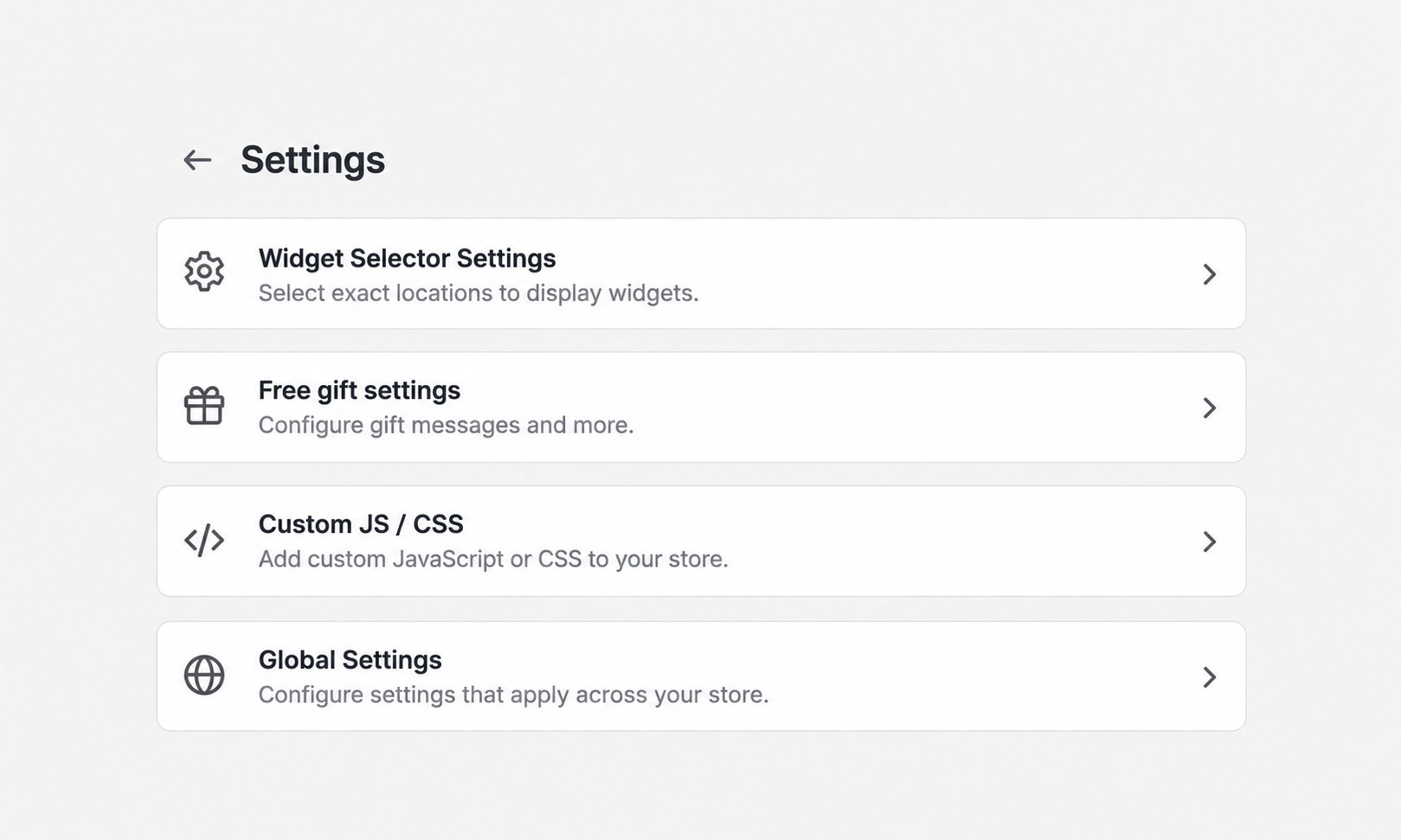
6. Retest with a clean session
Use a private or incognito window, add fresh products to the cart, and recreate the qualifying conditions. Then test through checkout. This avoids stale cart state, a previously entered code, or cached theme assets.7. Collect useful details for support
If the issue remains, send AIOD support:- the discount name or ID;
- the template used;
- the expected result;
- the exact test cart contents and subtotal;
- whether the rule is automatic or code-based; and
- a screenshot or short recording with private customer information removed.