

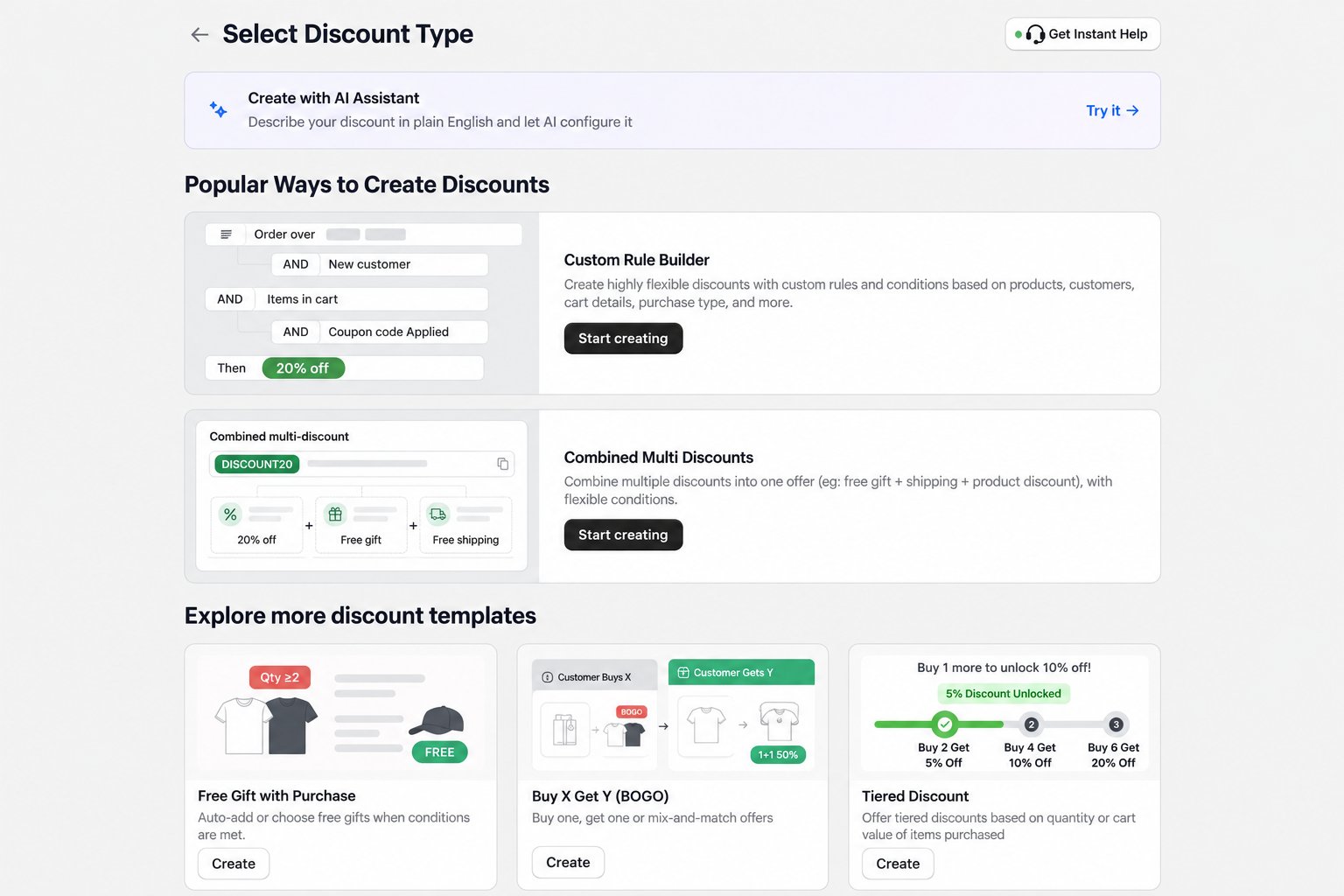
Create the offer
- Open AIOD – All-in-One Discount in Shopify admin.
- Go to Discount Templates.
- Click Create on the Free gifts card, then select Simple free gifts.
- Choose the minimum purchase amount the customer must reach.
- Select the product or variant that will be used as the gift.
-
Choose how the gift is claimed:
- Automatic: the offer runs when its conditions are met.
- Discount code: the customer must enter the configured code.
- Review the active dates, usage limits, customer eligibility, and combination settings.
- Save the discount.
Test before announcing the promotion
Open the storefront in a private or incognito window and test both sides of the threshold:- Add products whose subtotal is below the minimum. The gift should not be available.
- Increase the subtotal to the minimum. The gift should become available or be added, depending on the configuration.
- Reduce the subtotal again. Confirm the gift and messaging update correctly.
- Continue to checkout and confirm the expected discount is applied.